
How to Choose Shop Management Software? Key Features
Published: 2026-07-01 · 3 min read

When you own a small shop in Uzbekistan and decide to move from a paper notebook to a software solution, the choices can be overwhelming. Which one fits your daily work?
This article breaks down the essentials. We will cover the features you really need, the mistakes to avoid, and why a locally-built solution can make all the difference.
Essential Features of Shop Management Software
Any decent shop management software must handle three things: process sales, track inventory, and manage money. If any of these is missing, you'll still be stuck with some paper.
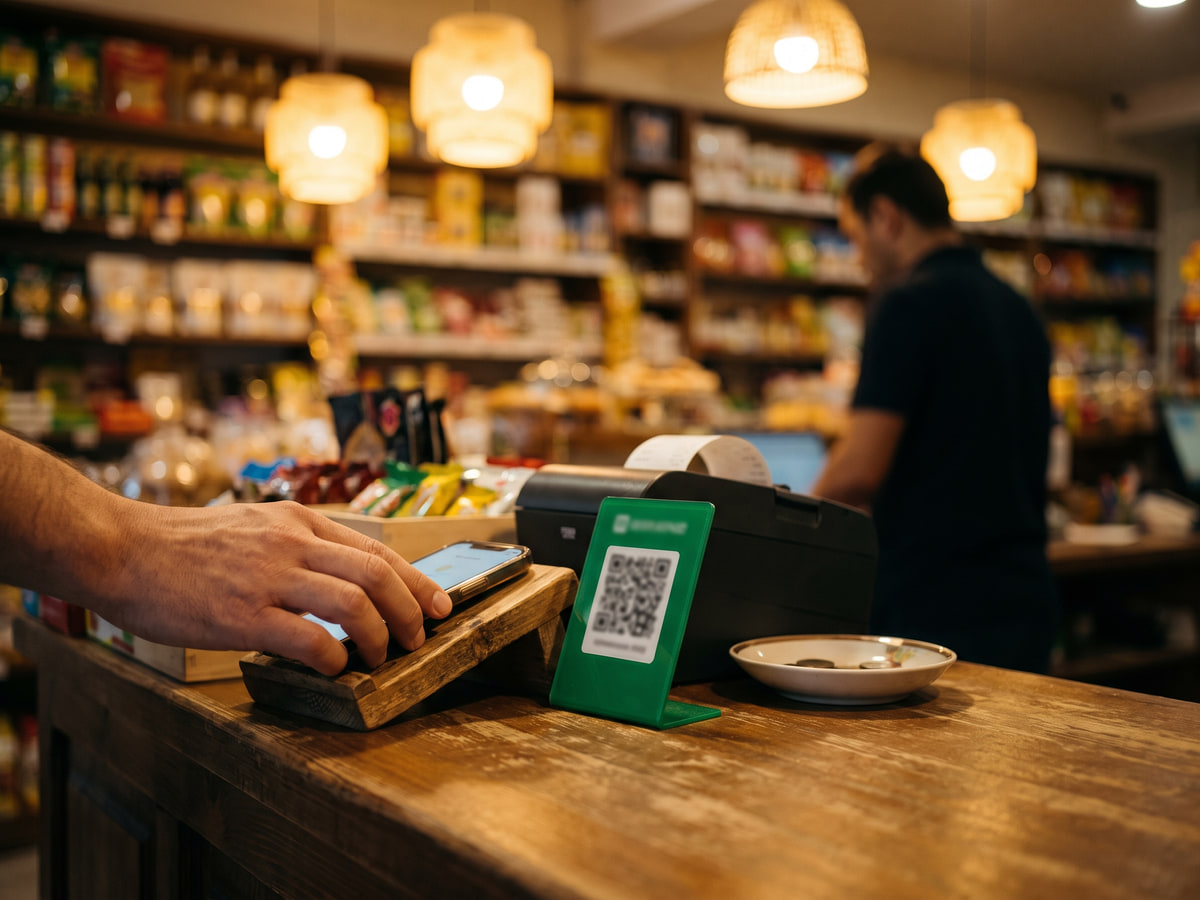
The cash register screen is the center. It should let you accept cash, card, and QR payments quickly. After each sale, inventory should update automatically. No manual adjustments.
Another critical feature is debt tracking (nasiya). Many neighborhood shops still use a paper notebook. A proper app keeps all debts in one list, linked to each customer, and never loses them.
- Register: accept cash, cards, and QR payments
- Inventory: live stock levels updated after every sale
- Debts: record and track customer credit easily
- Reports: see daily sales, profit, and turnover
Common Mistakes When Choosing Software
Mistake one: buying a heavy, full-featured system. More features often mean more confusion. A small shop needs a simple, focused tool.
Mistake two: ignoring local needs. The software must work with Uzbek som, support local report formats, and be available in Uzbek or Russian. Foreign software often misses these.
Mistake three: not testing first. Always try a demo. Run a few real sales, see how your cashier picks it up. If it's confusing during the test, it will be worse in real life.
Why Local Software Matters for Uzbekistan Shops
Uzbek shops have unique habits. Customers buy on credit, pay in installments, use cash, cards, or QR codes. The software must handle all these seamlessly.
Product names, units (pieces, kg, liters), and prices in som are natural. A local solution is designed for this from the start, not adapted later.
Support in your language is crucial. When something goes wrong, you want a quick answer in Uzbek or Russian, not a ticket system in English.
Practical Tips for Testing Software
First, request a live demo. See the cash screen, the inventory page, the reports. Everything should be clear and intuitive.
Second, run a test for two or three days with real transactions. Check speed, errors, and how easy it is for the cashier to learn.
Third, contact customer support. Ask a couple of questions. If they respond quickly and helpfully, that's a good sign. If not, look elsewhere.
Frequently Asked Questions About Shop Software
Here are common questions from shop owners. If you have another, feel free to reach out.
- Can I use my phone as a cash register? , Yes, many modern apps let you use just a phone.
- How do I transfer data from my notebook? , Typically you enter items manually or import from Excel.
- Does it work offline? , Some apps have offline mode; ask the provider.
- How long to learn? , A simple app can be learned in an hour.
If you are looking for software that fits your shop, try BirLiy. Register, inventory, and debts in one phone app. Made for Uzbekistan.
Try itRelated articles
Cash register software cost in Uzbekistan: Prices & features
Wondering how much cash register software costs in Uzbekistan? From a free notebook to 149 000 som monthly. Find out what small shops actually pay and what you get.
Read article
Mini market app: manage your shop from one phone
Stop losing debt records and inventory. A mini market app for Uzbekistan combines POS, stock, and customer credit in one phone. No PC needed.
Read article