
Shop software: where to start on your phone
Published: 2026-06-19 · 5 min read

When people hear shop software, they picture an expensive cash register and a computer. In practice the first step is simpler: the phone in your hand is enough, you only need to decide which job to start with.
This article is about choosing software, not about a product list. Below we find which notebook hurts most in your shop and start digitizing exactly that one on a phone.
What shop software actually fixes
You close the shop in the evening. Cash in the till is one number, the notebook says another, the credit you carry in your head is a third. The three never match, and you cannot tell where the gap is.
The main job of shop software is to fold several notebooks and a calculator into one record. When the till, stock and credit sit in one place instead of apart, the numbers reconcile on their own at night.
So the first question when choosing is not how many features there are. The first question is which notebook wears you out the most today. Start there.
How a phone replaces a cash register
A shop used to need a separate cash register, a paper notebook and a calculator. A phone with the right software does these three jobs on one screen, and separate hardware is not needed on day one.
BirLiy is built for neighborhood shops, minimarkets, pharmacies and service points, not as heavy corporate software. The catalog holds common products, and you can import your own list from Excel, so you do not type everything by hand.
When queues grow, you add a scanner or printer. But to start, the phone already in your hand is enough.
Which job to digitize first
Do not try to change everything at once. Pick the one notebook that loses the most money or takes the most time, and start the phone with that. The list below helps you find which pain is yours.
- If you often argue with a customer about credit, start with the debt ledger (nasiya).
- If you learn a fast seller ran out from the customer, start with stock tracking.
- If you are not behind the counter and do not fully trust the cashier, start with the till and shift control.
- If at month end you cannot tell whether the shop earned, start with daily revenue.
The debt ledger: the sharpest pain
For a corner shop the most visible pain is this: you give a regular customer credit, all in a paper notebook. The page tears or gets wet, and you have nothing left to prove who owes what.
In BirLiy customer credit lives in the app instead of the notebook: who owes how much and when they promised to pay, all in one list. Next to the debt sit cash, card and QR in the same record.
The debt notebook kept the count for years. BirLiy moves that count into the phone, that is all. We do not mock the notebook, the phone simply does not get lost.
What the owner sees without standing at the counter
You left for a supplier, and the shop keeps running. From your phone you see today's revenue, what is running low and who is on shift, so you do not have to stand at the till the whole time.
Cashiers log in by PIN and there is an action log. You can see who sold, wrote off or returned what and when. This is not a theft accusation, it is simply seeing what each cashier rang up.
If the internet drops, the till keeps working and sales are saved on the phone. When the connection returns, everything syncs on its own.
How to start with just a phone
To start, you do not buy new hardware. You move one chosen notebook into the app, try it, then add the second job. Unlike heavy software, it begins with one phone, one cashier and a hundred products.
The price is known upfront. In early access, the stated rate for the first cohort is 49 000 som per month for the first 6 months, then 149 000 som. Full functionality, no hidden charges.
We are now opening early access for the first shops in Tashkent. The team helps with setup and the catalog.
Start by moving your heaviest shop notebook into the phone. Early access is open, the team helps with setup.
Leave a requestRelated articles

How to Choose Shop Management Software? Key Features
A guide for Uzbekistan shop owners on choosing the right software. Must-have features, common mistakes, and local considerations. Find what really works.
Read article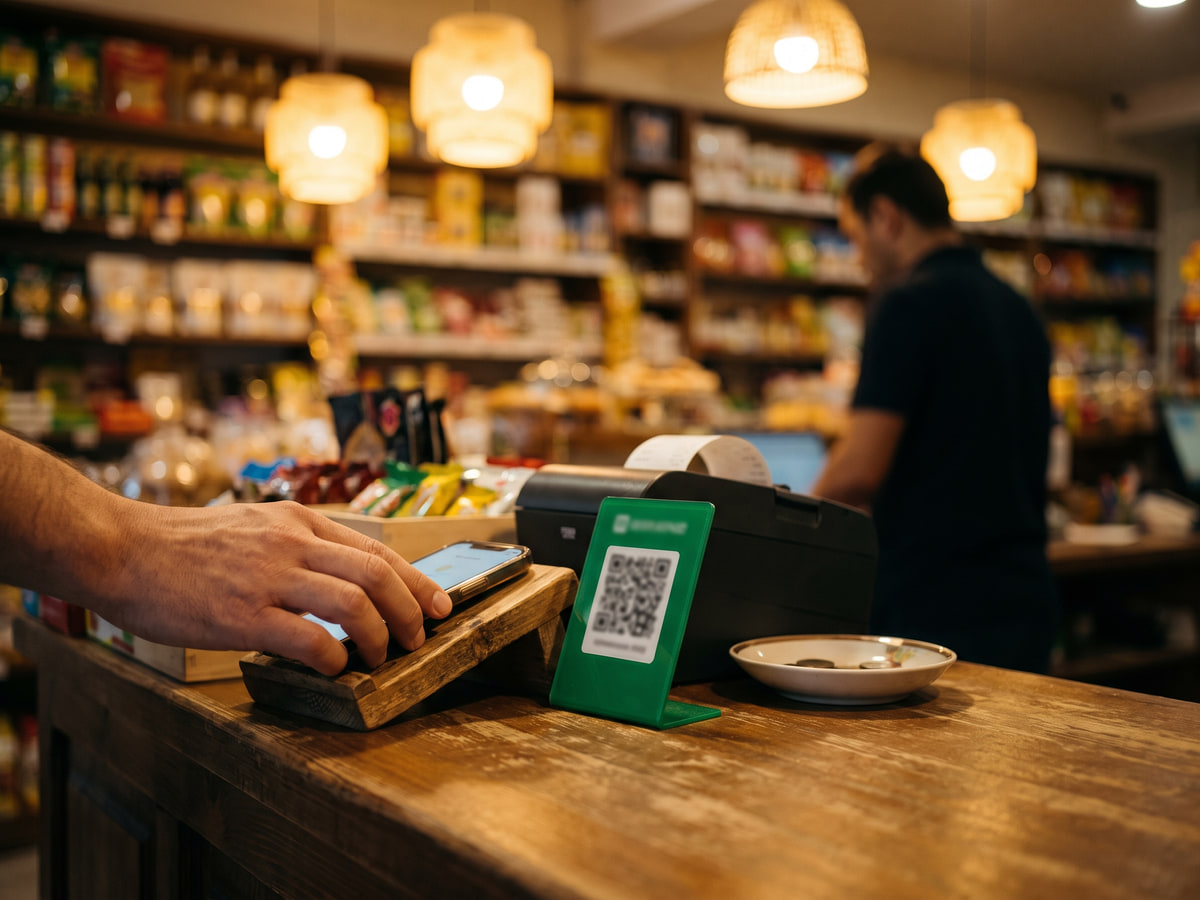
Cash register software cost in Uzbekistan: Prices & features
Wondering how much cash register software costs in Uzbekistan? From a free notebook to 149 000 som monthly. Find out what small shops actually pay and what you get.
Read article