
What is a POS system and how does it help a shop owner?
Published: 2026-06-27 · 4 min read
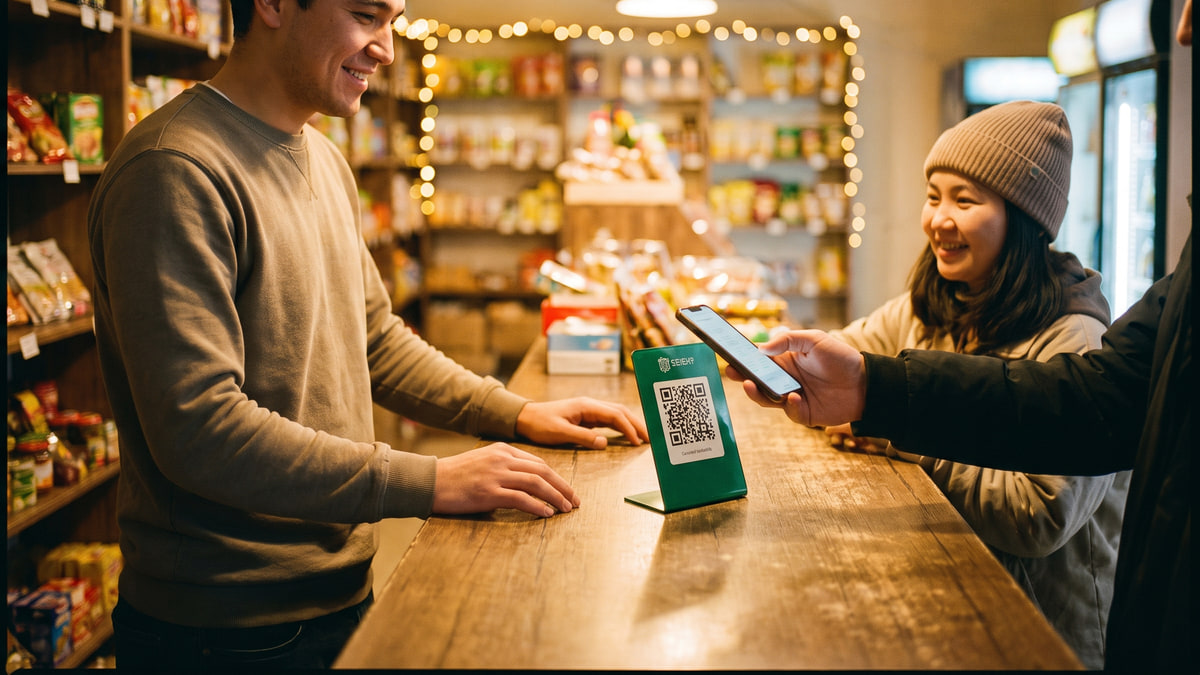
Still writing debts in a notebook? One lost page and your money is gone. A POS system lets you run the cash register, manage stock, and track debts all from your phone. No bulky computers needed.
For a small shop owner, a POS system is simple: the cashier scans an item, the payment goes through, the stock updates automatically, and you see the results on your phone. More reliable than paper and calculator.
This article explains what a POS system is, its main functions, how it saves time and money, and how you can get started.
What is a POS system?
A POS (Point of Sale) system is software that manages all transactions in your shop. It combines the cash register, inventory, and payments in one place. For a small shop, your phone is enough , no special terminal required.
With BirLiy: you turn your phone into a POS. The customer pays, the money is recorded, the item is deducted from stock, and the report updates. All on one screen.
Key functions of a POS system
A POS system handles several important tasks:
Here are the most useful ones for a small shop:
- Fast checkout , the cashier selects items and accepts payment in seconds.
- Stock tracking , you always know how many items are left on the shelf.
- Customer debt records , debts are stored safely, unlike a paper notebook.
- Reports , daily and weekly sales are visible on your phone.
- Payment options , cash, card, or QR.
Save time and money
Writing in a notebook takes time and invites errors. With a POS system, everything is automatic: the cashier scans a barcode, the price and name appear, mistakes drop.
At the end of the day, no need to count cash manually , the system shows exactly how much was sold and what's left in stock. This saves hours and reduces theft risk.
Even if you're away from the shop, you can check reports on your phone. Much more convenient than standing behind the counter tallying up.
Managing customer debts
A debt notebook is a headache for many owners. Pages get lost, writing fades, someone forgets to pay. In a POS system, debts are stored separately and never disappear.
With BirLiy, recording a debt and marking it as paid is straightforward. You can see at any time who owes what. No more flipping through a worn-out notebook.
BirLiy , a POS system in your phone
BirLiy is built specifically for small shops in Uzbekistan. You only need a phone , no separate cash register or computer. Install it, log in with a PIN, and start working.
Currently, BirLiy is in early access , the first shops are testing it in Tashkent. Price: 49 000 som per month for the first 6 months, then 149 000 som per month. Much cheaper than traditional POS systems.
How to get started with a POS system?
Switching to a POS system is simple. Here's what to do:
- Download the BirLiy app on your phone (from the official site).
- Register , have photos of your patent, passport, and shop window ready.
- Add your products , manually or upload from Excel.
- Give your cashier a PIN and start selling , setup takes one day.
- Monitor sales and stock from your phone.
If you're tired of notebooks and paper , try a POS system. BirLiy is your cash register, stock manager, and debt tracker in one phone.
Submit a request , birliy.uzRelated articles
How to Choose Shop Management Software? Key Features
A guide for Uzbekistan shop owners on choosing the right software. Must-have features, common mistakes, and local considerations. Find what really works.
Read article
Cash register software cost in Uzbekistan: Prices & features
Wondering how much cash register software costs in Uzbekistan? From a free notebook to 149 000 som monthly. Find out what small shops actually pay and what you get.
Read article