
What does a POS system give a shop owner?
Published: 2026-06-26 · 3 min read
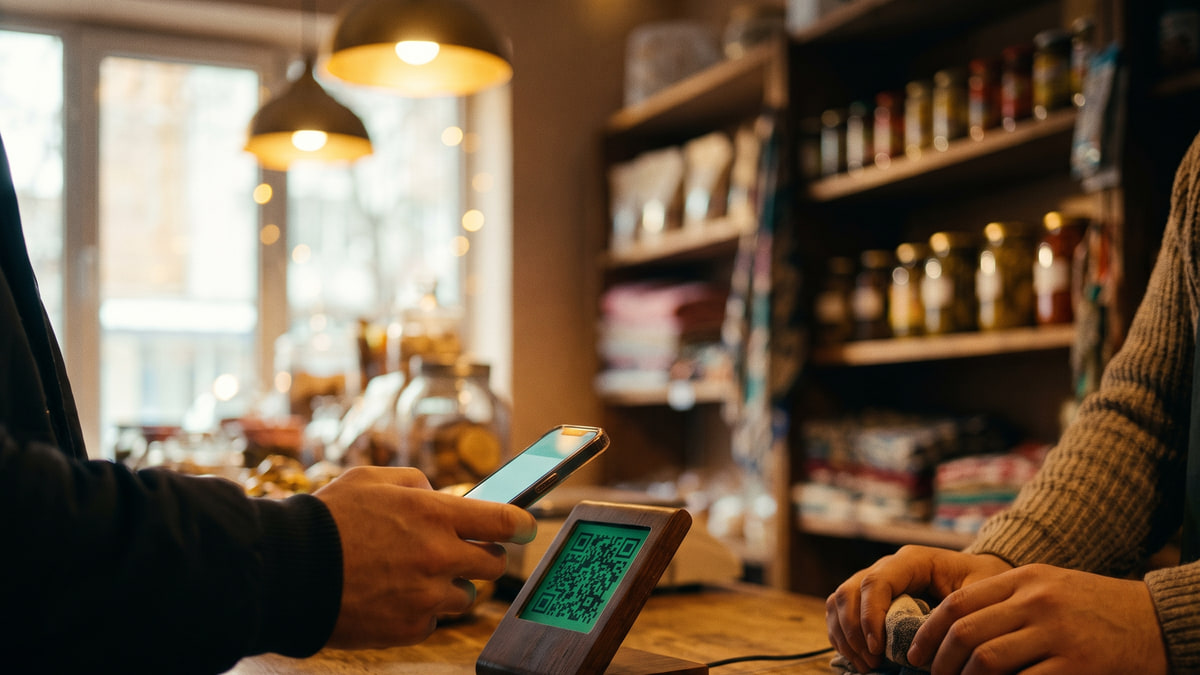
Still writing debts in a notebook? Counting the day's revenue with a calculator and guessing stock levels?
How many times a month do you flip through a crumpled notebook trying to remember how much a regular customer owes? Or find out that a product you thought was in stock has run out?
These problems are silently eating your money and time every day. Let's look at a simple, affordable solution.
What is a POS system and why do you need one?
A POS system is a software that combines the cash register, inventory, payments, and reports into one app. No more notebooks, calculators, or separate terminals.
Its main job is to process sales quickly and accurately, automatically deduct stock, and show exactly where your money is. Especially useful for minimarkets and neighbourhood shops.
- Process sales with one tap , cash, card, or QR
- Scan each item and stock decreases automatically
- End-of-day report is ready without manual counting
Forget the debt notebook , everything is in your phone
One of the biggest headaches for shop owners is tracking customer debts. A notebook gets torn, wet, lost. Sometimes the customer forgets and you end up arguing.
With a POS system, you record each customer’s debt with the amount, date, and even a note. When the customer comes again, you open the phone and show the balance. No arguments.
- Each customer gets their own debt card
- When they pay, the debt clears with one tap
- No paper , everything is stored in the app on your phone
How to start using a POS system in your shop
BirLiy is a phone-first POS. You don't need any special equipment. Just your regular smartphone: install the app, and it becomes your cash register. Debts, stock, reports , all in one place.
Getting started is simple: download the app, add your products (you can even import from Excel), and make your first sale. It takes just a few minutes.
- Download the app on your smartphone
- Add products manually or import from Excel
- Give your staff a PIN code, they log in and start working
- Make your first sale and check the report
The bottom line , save time and take control of your money
By switching to a POS system, you save at least 30-40 minutes every day. Preparing reports, counting stock, recalling debts , all handled automatically.
You can also monitor your shop remotely. Check daily revenue and best-selling products from your phone. No extra computer or additional costs required.
BirLiy pricing: first 6 months at 49 000 som/month, then 149 000 som/month.
- Daily report is generated automatically
- Know what sells best and order the right stock
- No more spending on paper, calculators, or manual accounting
Stop wasting time with notebooks and calculators. Start managing your shop from your phone. Learn more about BirLiy on our website or Telegram.
Visit BirLiy.uzRelated articles
How to Choose Shop Management Software? Key Features
A guide for Uzbekistan shop owners on choosing the right software. Must-have features, common mistakes, and local considerations. Find what really works.
Read article
Cash register software cost in Uzbekistan: Prices & features
Wondering how much cash register software costs in Uzbekistan? From a free notebook to 149 000 som monthly. Find out what small shops actually pay and what you get.
Read article