
POS system for a minimarket in Uzbekistan: how to choose
Published: 2026-06-15 · 5 min read
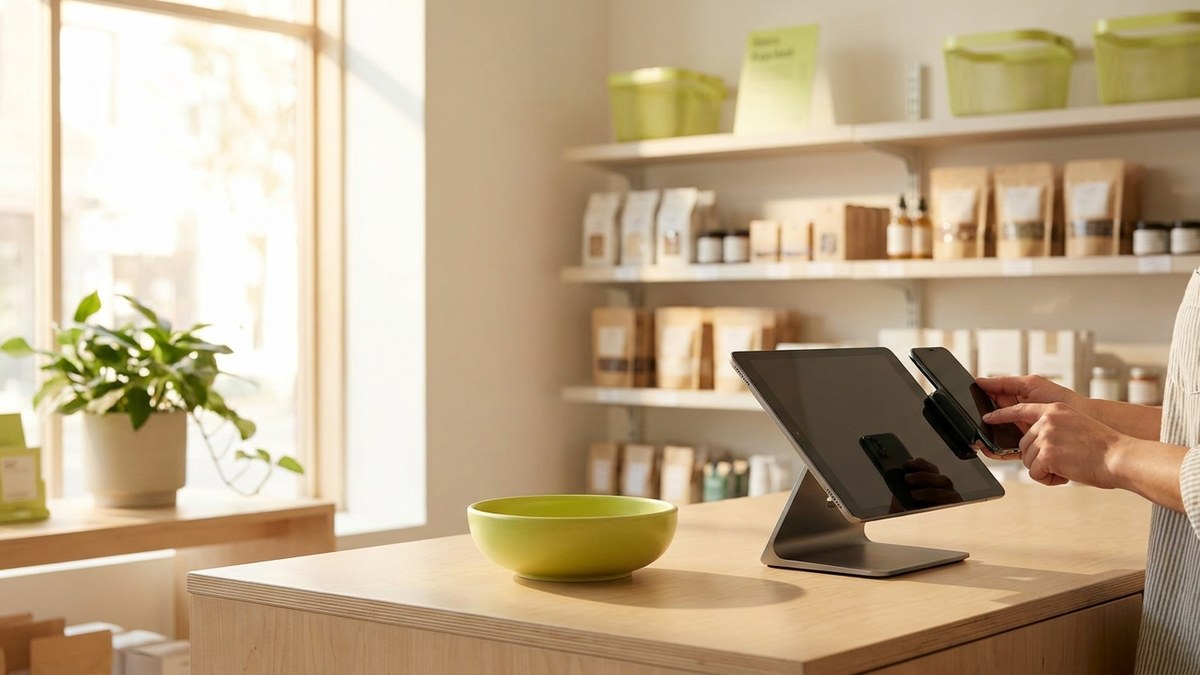
You close the shop in the evening. The cash in the till says one thing, the stock notebook says another, and the credit sales sit on a separate sheet. Reconciling the three takes half an hour, and an error still slips through somewhere.
A POS system for a minimarket pulls those three things into one place: every sale lowers the stock itself, records the payment method, and lands in the daily report.
This is not an advertising ranking. It is a set of concrete criteria a minimarket owner can check before buying.
What a POS system for a minimarket actually does
A POS is more than a checkout screen. In a minimarket every sale should do three things at once: lower the stock, record whether the money came in as cash, card, QR or credit, and land in the end-of-day report.
The main outcome for the owner is simple: see today's revenue, the items running low, and which cashier is on shift, without standing at the till.
- Fast checkout and barcode product lookup.
- Stock updates itself after every sale.
- Cash, card, QR and credit shown separately.
- Separate cashier logins and an action log.
- Daily, weekly and monthly reports.
Is a phone enough or do you need hardware
A minimarket with one or two cashiers can start selling from a phone or tablet. That lets you test a new program without a large outlay: first you see it works, then you spend on hardware.
As the queue grows, a 2D scanner or printer can be added. What matters is that the program blocks neither a hardware-free start nor adding hardware later. At the demo, ask plainly: can I sell with just a phone today.
Credit sales in the app instead of a notebook
Giving a regular customer goods on credit is normal in a minimarket. The problem is not the credit, it is keeping it in a paper notebook: the page gets lost, gets wet, or you forget who owes how much.
When choosing a POS, it makes a real difference if credit lives inside the checkout itself. When a sale sits in one list with cash, card and QR, who owes how much and when they promised to pay is visible in one place.
What to verify separately in Uzbekistan
You cannot settle this with 'ask an accountant'. The concrete step is this: at the demo, ask the vendor in writing for an answer on two official documents. The first covers online cash registers and the virtual cash-register system (LEX.UZ, document 4603340). The second covers product codes and digital marking (LEX.UZ, document 5665877).
The question is simple: for my assortment, does the product itself meet the fiscal receipt and marking requirements, or do I need a separate system. If you sell marked goods, the answer matters most, because it affects hardware and integration.
The inventory and management side of a POS is a different question from cash-register law. So take every answer in writing, not by word of mouth. If a dispute comes up later, you will have a document.
- Who meets the fiscal receipt requirement: the program or a separate system.
- Whether my goods fall under marking rules.
- What hardware marking requires.
- Whether the answers were given in writing.
Questions to ask the vendor at the demo
At the demo, look at the daily workflow, not the polished home screen. Sell an item, then return it, check the stock, and find the cashier return in the log. Those three steps show how the program works in practice.
- Can checkout continue without internet?
- Can products be imported from Excel?
- Can the phone camera scan barcodes?
- Can the owner see revenue remotely?
- Are cashier returns and deletions logged?
- What is the price after six months?
- Who helps set up the catalog and train the cashier?
How BirLiy fits a minimarket
BirLiy is a POS in the phone for shops in Uzbekistan. Checkout, inventory, payments and reports live in one app, and credit shows up in one list with cash and QR. The site has a live clickable demo for both roles, so you can try it yourself before buying.
In early access the catalog can be loaded from Excel, and the app also has a ready base of common goods. BirLiy is now opening early access for the first shops in Tashkent. The stated price for the first cohort is 49 000 som per month for the first six months, then 149 000 som per month.
Try running your minimarket from a phone. Leave a request for early access, and you can click through the live demo on the site.
Leave a requestRelated articles
How to Choose Shop Management Software? Key Features
A guide for Uzbekistan shop owners on choosing the right software. Must-have features, common mistakes, and local considerations. Find what really works.
Read article
Cash register software cost in Uzbekistan: Prices & features
Wondering how much cash register software costs in Uzbekistan? From a free notebook to 149 000 som monthly. Find out what small shops actually pay and what you get.
Read article