
Selling without a cash register: what a phone can do
Published: 2026-06-19 · 5 min read
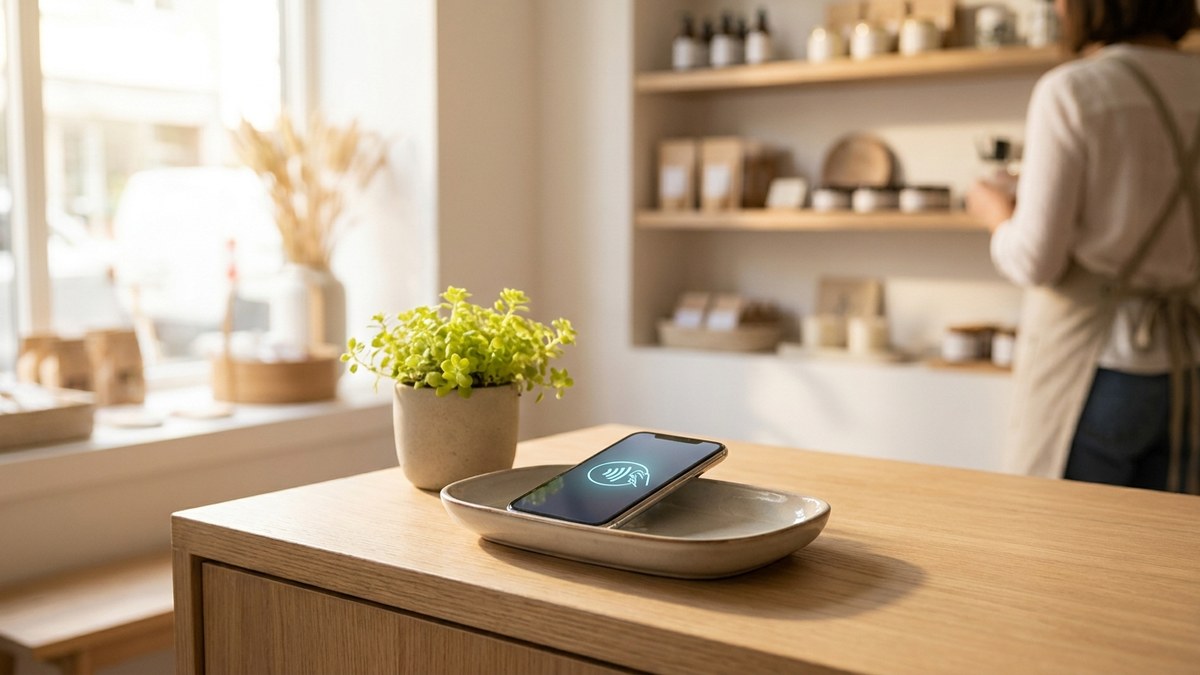
You open a shop and the first thing you ask is whether you need a cash register machine. The real question is not about money. It is about what you actually need to run the shop.
A shop owner really needs three things. Record every sale, know how much stock is left, and see the day's takings at close. A separate machine can do that, a paper notebook can do that, and a phone app can do that. The difference is not the price, it is how much time your evening costs you.
Below we look honestly at each path: paper, a separate cash register machine, and a phone app. Then we show how BirLiy puts those three jobs into one app.
What a cash register machine actually does
A cash register is not as mysterious as it sounds. It records a sale, adds up the total, and prints a receipt. That is the job. The machine itself does not run your shop: it does not recount your stock and it does not remember who still owes you.
So the right question is not do I need a cash register machine. The right question is how do I record sales, track stock, and see takings with the least fuss. And the answer depends on the size of your shop and how you work.
Three paths: paper, a separate machine, a phone
Most small shops pick one of three paths. Each one works, and each one takes something different from you.
The choice is yours, and nobody makes it for you. Here are the main differences, weigh them against your turnover and the shape of your day.
- Paper notebook: cheap and simple, but lose a page and you lose the record, and you count stock by hand.
- Separate cash register machine: looks official, but it is a device to set up and keep on the counter.
- Phone app: the device is already in your hand, with sale, stock, and debt on one screen.
- On all three paths the core work is the same: record the sale, know the stock, see the takings.
How a phone handles selling without a cash register
Your phone is already powerful enough. BirLiy installs on it as an app, on Android or iOS. Find a product by name or barcode, enter the quantity, the total adds up for you. Sale recorded.
There is no separate box, no separate screen, no separate connection to manage. In early access each sale is split by payment type, so at close of day you can see how much came in as cash and how much by QR.
So selling without a cash register machine does not mean selling without records. The record stays in your phone, and it is easier to see than a page in a notebook.
Stock and debts: kept in one app
A shop is not just a till. It is also a stock room and a set of customer debts. This is exactly where a paper notebook lets you down. You count stock by hand in the evening, and you write a debt on a page, and if the page is lost there is nothing left to argue with.
In BirLiy the stock usually drops by itself after every sale, so there is no manual recount. And debts show in the app instead of the notebook: who owes how much and when they promised to pay.
This is BirLiy's clearest difference. The paper debt book kept the count for years, BirLiy moves that count into the phone, only now the page does not get lost.
You see the takings even when you are not in the shop
A separate machine has one limit: to see the takings you have to be standing in the shop. A phone app removes that limit.
Open BirLiy from home or on the road and you usually see today's revenue, cash and QR split out, and the cashier's shift totals. No sitting down in the evening to add up numbers by hand.
If several cashiers work, in early access each one signs in with their own PIN, so you can see who did what on their shift. That overview is something neither a machine nor a notebook can give you.
We are now opening early access for the first shops in Tashkent. If you want to try the till on your phone, leave a request.
Leave a requestRelated articles

How to Choose Shop Management Software? Key Features
A guide for Uzbekistan shop owners on choosing the right software. Must-have features, common mistakes, and local considerations. Find what really works.
Read article
Cash register software cost in Uzbekistan: Prices & features
Wondering how much cash register software costs in Uzbekistan? From a free notebook to 149 000 som monthly. Find out what small shops actually pay and what you get.
Read article